Free Pinterest Keyword Tools 2026: 8 Worth Your Time
Pinterest Trends, search bar, Ads Manager and five third-party tools give you real keyword data for free. What each does well, where they stop, and a workflow.
 PinNiche Team8 min read
Yes — you can do real Pinterest keyword research without paying anything. Pinterest's own search bar, Trends, and the Ads Manager keyword planner are all free, and they hand you what people actually type, seasonal demand curves, and monthly volume ranges. The catch is that no single free tool does everything, so this guide ranks the eight free Pinterest keyword tool options worth your time, spells out what each one does well, and gives you a workflow that chains them together.
The short version
| Tool | What you get free | The limit |
|---|---|---|
| Pinterest search bar | Real long-tail phrases from autocomplete and guided search | No volume data at all |
| Pinterest Trends | 0–100 interest index, seasonal curves, compare up to 4 terms | An index, not a search count |
| Pinterest Ads Manager | Estimated monthly search ranges per keyword | Needs a business account; ranges are broad |
| Keysearch Pinterest tool | Long-tail list with volume numbers | N/A on low-volume terms; nudges you to sign up |
| Tailwind keyword research | Volume plus a "resonance" score | Needs a free account; Pinterest-only depth is modest |
| Pinsearch free plan | Monthly searches, timing, competition | 3 searches per day |
| PinFlo free plan | Daily searches with volume estimates | Daily cap, newer tool |
| PinRadar extension | Free Pin stats in the browser | Not a keyword tool on its own |
Used alone, each of these is half a tool. Chained in the workflow at the end, they cover 90 percent of what a paid subscription does.
1. Pinterest search bar: the tool you already have
Type a seed word into Pinterest search and stop before pressing enter. The autocomplete suggestions are real queries from real users — not brainstormed ideas. Then work it: add a space plus each letter of the alphabet to pull a fresh batch of completions, and try question starters and modifiers. Ten minutes per seed yields more long-tails than you can use.
After you search, the row of coloured tiles under the search field — guided search — is the second half of the same trick. Each tile is a popular way people narrow the topic. Click one, get a new set, keep drilling. Autocomplete completes a thought; guided search reveals sub-topics you had not thought of. Bouncing between them is the most productive free keyword method that exists, and it never hits a paywall.
What it cannot tell you: demand size or competition. It proves a phrase is popular enough to be suggested, nothing more.
2. Pinterest Trends: the official demand curve
Trends, at trends.pinterest.com, is Pinterest's own free keyword tool. You get a 0 to 100 interest index over time for any term, can compare up to four keywords, and can filter by country. Its real superpower is seasonality: searching "cottagecore decor" in January shows you the December spike you would otherwise discover too late.
The honest limitation: the index is relative. A 70 does not mean 70,000 monthly searches — it only means the term is at 70 percent of its own peak. Use Trends to decide when to publish and which of two terms is bigger, not to size a market.
3. Pinterest Ads Manager: the closest thing to a keyword planner
This is the free tool most people do not know exists. Create a free Pinterest business account, start building any ad campaign — and stop before paying — and the campaign builder exposes Pinterest's keyword tool with estimated monthly search ranges for every term. You will never actually run the ad; the planner is the product.
The ranges are broad ("10K–50K" and similar), but they are the only Pinterest-native numbers that approximate monthly volume, and they let you sort a keyword list from real demand. Compared to Trends' index, this is the difference between "bigger than" and "how much bigger, roughly".
4. Keysearch's Pinterest keyword tool
Keysearch runs a free Pinterest keyword tool on its site: type a seed, pass the captcha, and get a long-tail list with volume numbers where they exist. Where Pinterest's own tools give ranges and indexes, Keysearch gives a single figure — convenient for prioritizing. When it shows N/A, that usually signals thin demand rather than missing data, which is itself a useful filter. Expect upsells in the interface; the free lookup still works.
5. Tailwind's keyword research
Tailwind, the scheduling tool, includes keyword research inside every free account: type a seed, get related keywords with search volume and a "resonance" score that reflects how strongly Pinterest currently favors the term. You can save keywords to lists directly. It is not deep, but it sits where your scheduling already lives, and the free account doubles as a trial of the scheduler.
6–8. The free plans of the dedicated tools
Three newer Pinterest research tools have meaningful free tiers, all listed here with their current caps: Pinsearch allows 3 keyword searches per day on a free plan, with monthly searches, seasonal timing and a competition check called "Room to rank"; PinFlo offers daily free searches with volume estimates and rank tracking on paid tiers; PinTool gives 2 free searches a day. None will replace a paid tool at those caps, but 3 targeted searches a day is 90 keyword checks a month — enough to validate a niche slowly and for free. PinRadar, a free browser extension, rounds out the set with on-page Pin statistics, though it is a companion rather than a keyword tool.
What a free Pinterest keyword tool cannot do
Be clear-eyed about the ceiling:
- Exact search volume. Pinterest does not publish exact counts for most keywords. Every free number is a range, an index, or a third-party estimate — compare keywords relative to each other and move on.
- Competitor depth. Free tools do not hand you 50 data points per competitor pin, their boards, or their posting cadence. For that you are in paid territory — see our Pin Inspector review for what a one-time $47 license buys if you go that route.
- Rank tracking. None of the free options tracks where your pins rank over time. Pinsearch's competition check is the closest free signal.
If you never hit these walls, congratulations — the free stack is genuinely all you need. Most small sellers do hit them eventually, which is why paid tools keep selling.
The free stack workflow
Chain the free Pinterest keyword tools in this order and one research session produces a usable keyword bank:
- Harvest long-tails with the search bar and guided search — autocomplete letter-by-letter, ten minutes per seed.
- Validate seasonality in Pinterest Trends — drop anything in steady decline unless it is seasonal and you can publish ahead of the spike.
- Size demand in Ads Manager — sort the survivors by monthly range, and keep the ranges in your notes.
- Spot-check competition with Pinsearch's daily free searches on the terms you actually plan to target.
- Organize into three buckets: evergreen, seasonal, trending — each keyword tagged with where it came from and when to publish.
Thirty minutes of this per niche gives you a keyword list that most paid-tool users never bother to write down. The bottleneck it leaves behind is production: keywords are only worth what the pins built on them earn. That part — turning a keyword list and a product URL into a pack of publishable pins — is exactly what PinNiche does, and the workspace is where a scan starts.
The best free Pinterest keyword tool stack
The best free Pinterest keyword tool is not one tool — it is Pinterest's own search bar, Trends, and Ads Manager used as a stack, with Keysearch and the free plans of the dedicated tools filling the gaps. Free covers harvesting, seasonality, rough demand and light competition checks. When you outgrow it, you will know precisely which wall you hit, and you can pick a paid tool for that wall instead of buying a subscription on vibes. And whichever way you research, pricing that scales with the pins you actually publish keeps the production side honest too.
Frequently asked questions
What is the best free Pinterest keyword tool?
Pinterest Trends is the best starting point because it uses Pinterest data directly and shows seasonal interest curves for free. Pair it with the search bar for long-tail harvesting and the Ads Manager keyword planner for monthly volume ranges, and the free stack covers most of what paid tools offer.
Does Pinterest have a keyword planner like Google?
Yes. Pinterest Ads Manager includes a keyword targeting tool that shows estimated monthly search ranges, and a free business account is enough to use it. You never have to run an ad — the planner works as a research tool on its own.
Do free Pinterest keyword tools show real search volume?
Some do, in limited forms. Ads Manager shows broad monthly ranges, Keysearch shows a number for many keywords, and Pinterest Trends shows a 0 to 100 index rather than a count. Treat every free volume signal as a way to compare keywords against each other, not as an exact figure.
Can I use Ahrefs or Semrush for Pinterest keywords?
No. Ahrefs and Semrush index Google searches and have no data on what people type into Pinterest. They are useful for planning the blog content you promote on Pinterest, but the keywords themselves must come from Pinterest-native tools.
When does free keyword research stop being enough?
When you need rank tracking, competitor pin analysis at depth, or volume data Pinterest does not publish. That is the point where a paid tool earns its price — and even then, the free stack in this article stays useful as the first pass of every research session.
Keep reading
Related guides
 PinNiche Team
Pin Inspector Review 2026: Pricing, Modules & Verdict
Pin Inspector costs $67 once, or $47 with its on-page coupon. We break down its seven modules, what a documented hands-on test found, and where it falls short.
 PinNiche Team
How to Make Money on Pinterest: 6 Routes That Pay You
Pinterest does not pay per view. These six routes do: affiliate pins, digital products, services, brand deals and blog traffic, with the costs and the math.
 PinNiche Team
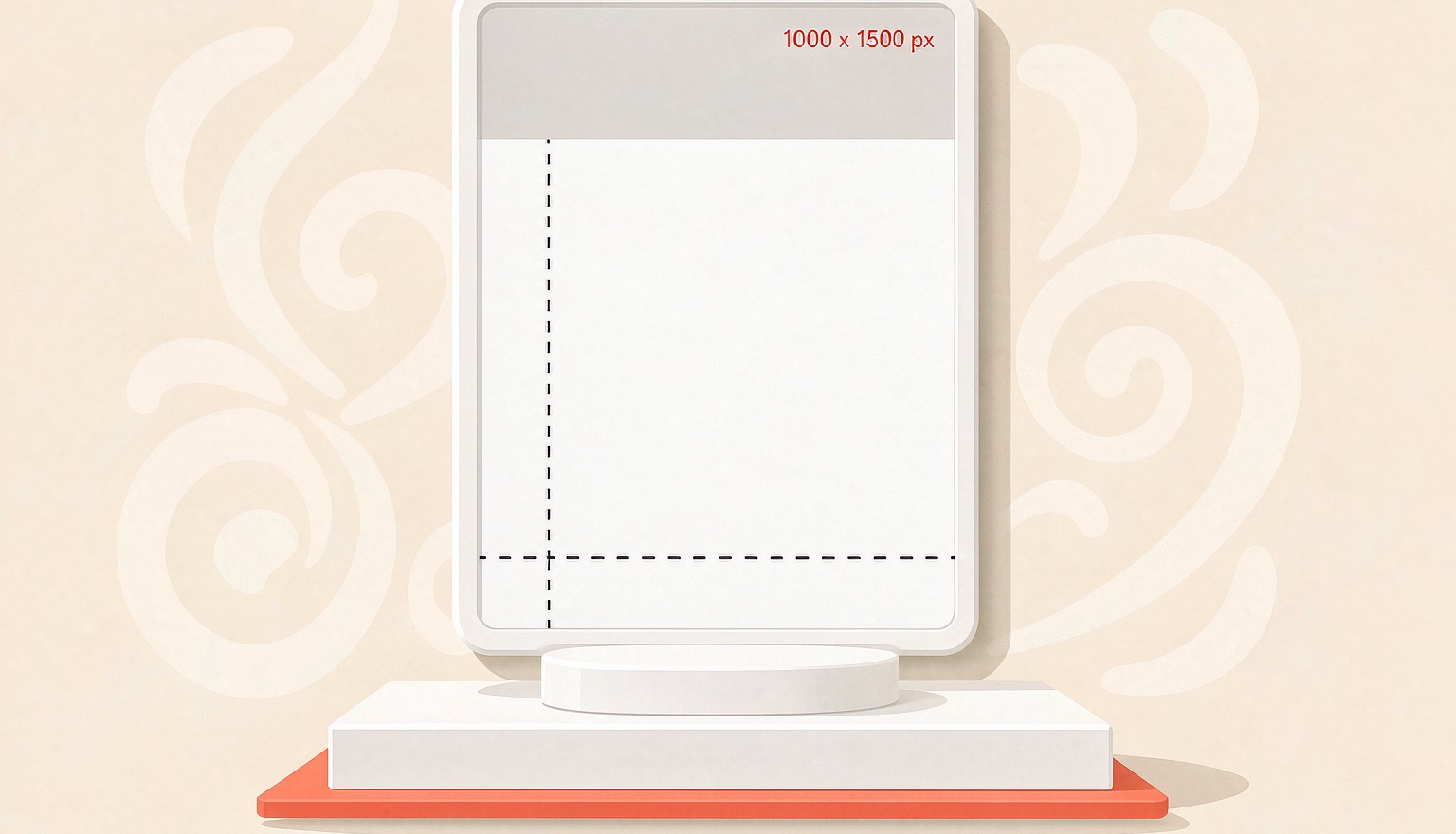
Pinterest Pin Size 2026: 1000×1500 and What Gets Cropped
Pinterest recommends 2:3 pins at 1000×1500. Here are the specs that matter in 2026, where tall pins get truncated, and the export settings that keep text sharp.
 PinNiche Team
One Product Page, Ten Pinterest Pins: A Batch Workflow
A product page already holds the photo, price, and angle a pin needs. Here is how to turn one URL into ten on-brand Pinterest Pins, then batch a whole catalog.
Ready to ship your first pin pack?
Scan a product or blog URL, put your brand on every pin, and export a ready-to-post pack in one run.
Try PinNiche free