Pinterest Impressions Explained (and What to Do With Them)
Pinterest impressions measure how often your Pins were on screen. See what counts, where to check them, why high views can mean low clicks, and what to fix.
 PinNiche Team7 min read
Pinterest impressions are the number of times your Pins or ads were on screen — that is the platform's own definition, and it is the honest starting point for everything else in this article. An impression says your Pin was seen, not that anyone cared. The number matters because it is the top of the funnel every other metric sits on: saves, Pin clicks, outbound clicks, and sales all have to pass through the moment your Pin appears on someone's screen. Below: exactly what counts and what does not, where to find the number, why high visibility can coexist with miserable clicks, and the fixes that actually move it.
What counts as a Pinterest impression (and what does not)
Pinterest's help center defines impressions as the number of times your Pins or ads were on screen. Practically, that means:
- Counts: your Pin rendered on screen in the home feed, in search results, on a board, in related-Pin modules — every on-screen rendering counts, including repeat views by the same person.
- Does not count: appearances the viewer never reached. If your Pin sits below the fold or behind a "more like this" expansion nobody opened, it was not on screen yet.
Two consequences follow from the definition. First, the count accumulates across surfaces, so one Pin can quietly collect search visibility for months — that is the long-tail behavior that makes Pinterest different from feed platforms. Second, because the same viewer can generate multiple on-screen renders, the number overstates unique reach. It is a visibility meter, not an audience counter. (Source: Pinterest help center, nofollow)
Where to find your Pinterest impressions
Two dashboards, two altitudes:
Account level. Pinterest Analytics — free with a business account — shows impressions for any date range, with trends and a breakdown by Pin and by surface. Desktop: open the menu, choose Analytics, then Overview. Mobile: open your profile, tap Creator Hub, then Analytics.
Single Pin. Open any Pin and select Pin stats. You get that Pin's impressions alongside saves, Pin clicks, outbound clicks, and profile visits — this is where the diagnostic work in the next section happens.
One habit worth forming immediately: compare the last 30 days against the previous 30, not against yesterday. Real-time Pin stats are estimates and Pinterest says so explicitly; single-day movements are mostly noise.
Impressions, saves, clicks: read them as one funnel
Pinterest gives you several numbers that all sound similar. They are stages of one funnel, and each has a job:
| Metric | Official meaning | The question it answers |
|---|---|---|
| Impressions | Times your Pins were on screen | Did Pinterest show me? |
| Save rate | Saves ÷ impressions | Did people want to keep it? |
| Pin clicks | Taps that open the Pin closeup | Did it earn a closer look? |
| Outbound clicks | Clicks to your destination URL | Did it earn the visit? |
| Engagement rate | Total engagements ÷ impressions | Did anything happen at all? |
The order is the diagnostic order. When a Pin underperforms, walk down the table and stop at the first weak row — that row tells you which fix to apply, instead of guessing.
"High views, low clicks" is a funnel leak, not a mystery
A pattern you will meet early — some people even search for it as "pinterest show high veiw", misspelling included — is a Pin or an account racking up high Pinterest impressions while clicks stay flat. High visibility with weak downstream numbers is not bad luck; it is one of three leaks, each visible in the funnel above:
- The thumbnail loses the scroll. The Pin got on screen but did not stop the thumb. Save rate will be low too. Fix the cover: sharper contrast, one readable text overlay, a subject that matches what the target query actually wants to see.
- The title answers nothing. People open the closeup, find a vague title with no keywords and no promise, and leave. Pin clicks sag while impressions hold. Fix the copy: put the specific benefit in the title, the detail in the description.
- The Pin pleases but does not lead anywhere. Healthy saves and Pin clicks, starved outbound clicks — the content is interesting and the destination is not, or the link feels like an ad. Fix the offer: the closeup and the landing page should feel like the same promise.
Notice that none of these fixes is "get more impressions." If impressions are high, distribution is not your problem — the Pin's job on screen is. This is also why chasing raw impression counts as a vanity number misleads: the metric is an input to these rates, not the goal.
What actually moves impressions up
Since impressions are handed out by Pinterest's distribution surfaces, the levers are the ones that decide distribution:
- Keywords everywhere they count. Search and related-Pin surfaces match queries to the words in your Pin title, description, and board. Our guide on how to add keywords to Pinterest covers the exact placements; nothing else on this list works without it.
- A rhythm the algorithm can predict. Accounts that post steadily get more distribution tests than accounts that binge and vanish. The best time to post on Pinterest breakdown found that consistency beats clock-perfection — three to five Pins a day held for weeks outperforms irregular bursts.
- Seasonal lead time. The platform's own guidance tells creators to publish seasonal content 30–45 days before search volume peaks, so Pins are indexed and circulating when the queries arrive. Early Pins earn visibility through the whole ramp-up; late Pins join at the peak and inherit nothing.
- Fresh angles on proven topics. When a Pin earns impressions, its topic is validated. Publishing new Pins into the same keyword space — new covers, new titles — lets you compound on what the algorithm already shows, instead of gambling on untested topics every time.
A 15-minute weekly impressions check-up
Here is the routine that turns this from theory into maintenance. Once a week, in Analytics:
- Sort your top Pins by Pinterest impressions for the last 30 days. These are the Pins the algorithm has decided to show — your validated inventory.
- For each, check save rate and outbound clicks against their own averages. Flag any Pin whose clicks dropped while impressions held — its ranking position may be slipping, or the destination broke. Refresh the cover or the destination first.
- Pick the top two performers and publish one new Pin each into the same keyword space. Two new validated-topic Pins per week beats five random ones, and the compounding shows up in next month's impressions.
Fifteen minutes, one decision each week, and the loop runs on data you already have. The production half — building the keyword set, writing title-and-description pairs, designing the variants — is what PinNiche automates: drop a product URL or an image into the workspace and it returns keyword-built Pins ready to schedule, so the weekly check-up ends with fresh inventory instead of good intentions.
Impressions are the meter, not the mission
Pinterest impressions measure how often your Pins were on screen — nothing more, and that is precisely what makes them useful. Read them as the first stage of a funnel: impressions confirm distribution, save rate confirms the cover, Pin clicks confirm the title, outbound clicks confirm the offer. Feed the top of the funnel with keywords, consistency, and seasonal lead time; then audit the rates underneath every week. Do that and the number stops being something you watch and becomes something you spend.
You May Also Like
- How to Add Keywords to Pinterest: 5 Places That Count
- Best Time to Post on Pinterest: What 5 Studies Say
Frequently asked questions
What are impressions on Pinterest?
Impressions are the number of times your Pins or ads were on screen, according to Pinterest's own definition. One person scrolling past your Pin counts as one impression; the same person seeing it again in search later counts as another. Impressions measure visibility, not interest — clicks and saves measure interest.
Why does my Pinterest show high views but low clicks?
High impressions with low clicks usually mean the Pin wins visibility but loses the decision moment: weak cover image, a title that does not match the search intent, or an offer that looks like an ad. Check save rate and outbound click rate in Analytics to find which part of the funnel is leaking.
Where can I see my Pinterest impressions?
Two places. Account-level impressions live in Pinterest Analytics, which requires a free business account: open Analytics and read the Impressions row for any date range. Single-Pin impressions live in that Pin's stats page: open the Pin and select Pin stats to see impressions, saves, and clicks for it.
How do I increase my Pinterest impressions?
Impressions follow distribution, and distribution follows keywords. Put target phrases in Pin titles, descriptions, and board names so search and related-Pin surfaces can match you to queries. Then post consistently — a steady daily rhythm earns more surfaces over time than bursts — and publish seasonal content 30 to 45 days early.
Are impressions or engagements more important on Pinterest?
Neither is enough alone: impressions without engagements mean your Pins are being seen but ignored, while engagements without impressions growth means you are serving the same small audience. Read them as a funnel — impressions first, save rate second, outbound clicks third — and fix the first stage that underperforms.
Keep reading
Related guides
 PinNiche Team
Best Time to Post on Pinterest: What 5 Studies Say
When is the best time to post on Pinterest? Five 2025-2026 studies compared: evening windows, best days, the dead zone to skip, and why keywords beat the clock.
 PinNiche Team
How to Add Keywords to Pinterest: 5 Places That Count
Where to add keywords to Pinterest — pin titles, descriptions, board names, board descriptions and profile — plus how to test if the phrase you chose works.
 PinNiche Team
Free Pinterest Keyword Tools 2026: 8 Tested
Pinterest Trends, search bar, Ads Manager and five third-party tools give you real keyword data for free. What each does well, where they stop, and a workflow.
 PinNiche Team
Pin Inspector Review 2026: Pricing & Verdict
Pin Inspector costs $67 once, or $47 with its on-page coupon. We break down its seven modules, what a documented hands-on test found, and where it falls short.
 PinNiche Team
How to Make Money on Pinterest: 6 Real Routes
Pinterest does not pay per view. These six routes do: affiliate pins, digital products, services, brand deals and blog traffic, with the costs and the math.
 PinNiche Team
Pinterest Pin Size 2026: 1000×1500 & Cropping
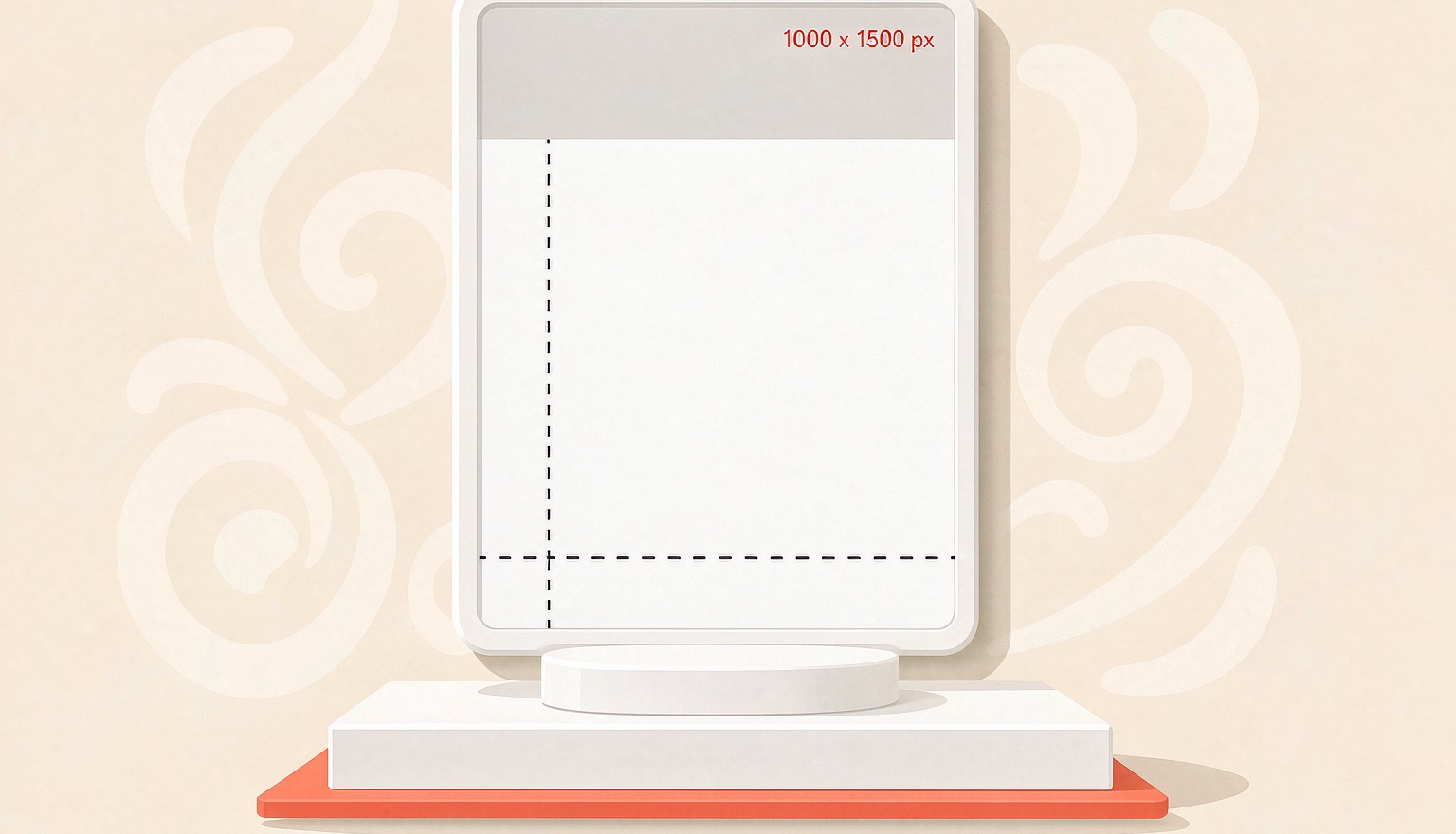
Pinterest recommends 2:3 pins at 1000×1500. Here are the specs that matter in 2026, where tall pins get truncated, and the export settings that keep text sharp.
 PinNiche Team
One Product Page, Ten Pinterest Pins: A Workflow
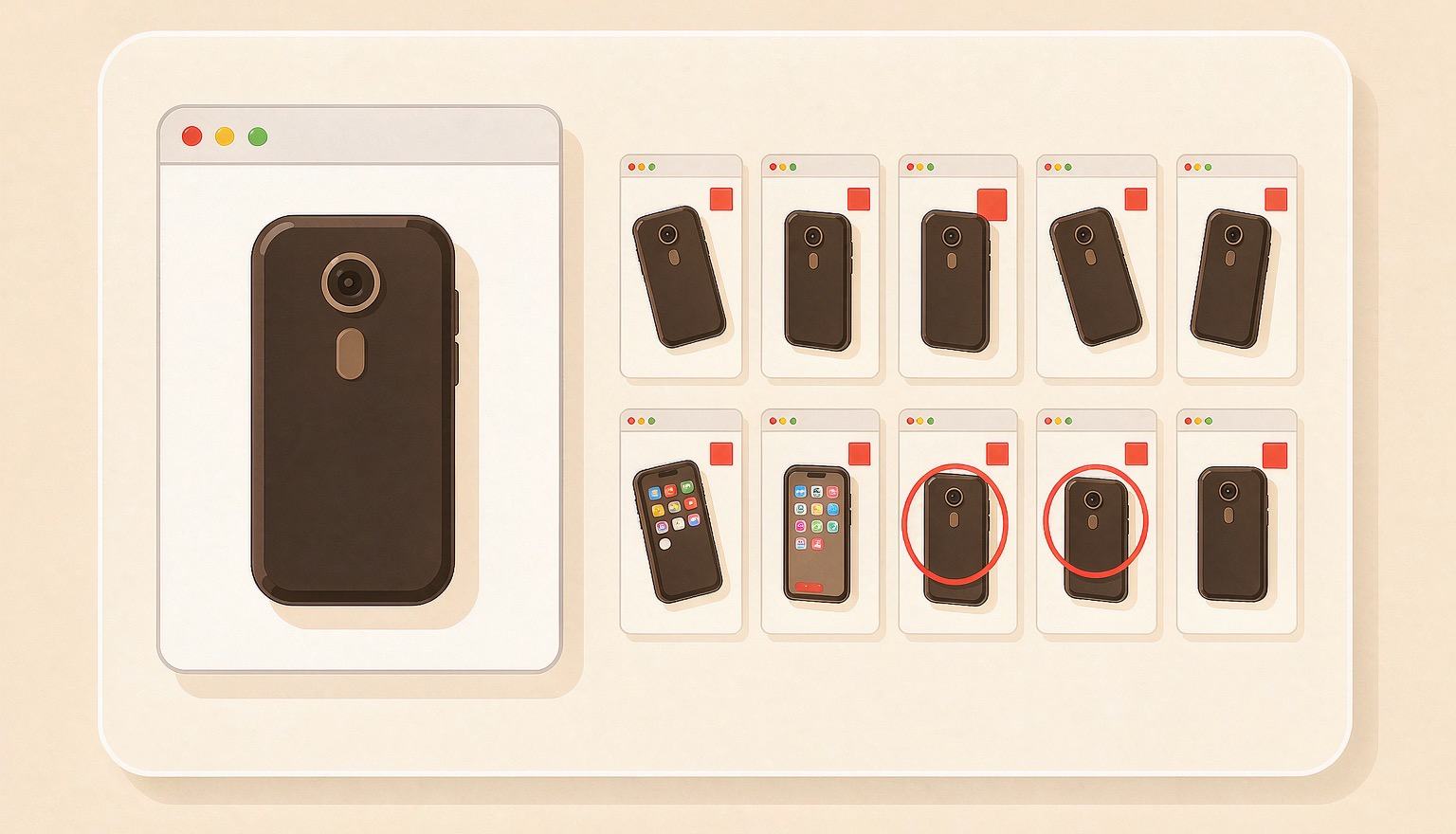
A product page already holds the photo, price, and angle a pin needs. Here is how to turn one URL into ten on-brand Pinterest Pins, then batch a whole catalog.
Ready to ship your first pin pack?
Scan a product or blog URL, put your brand on every pin, and export a ready-to-post pack in one run.
Try PinNiche free