Affiliate Marketing for Pinterest: Rules, Pins, Payouts
Affiliate marketing for Pinterest works when you treat it as search. Program rules, FTC disclosure, pin angles, and the mistakes that get accounts limited.
 PinNiche Team8 min read
Yes — affiliate marketing for Pinterest is allowed, and the platform is one of the few places where it still works the way the tutorials promise. Pinterest is a search engine wearing a social feed's clothes: people arrive with intent, pins keep collecting visibility for months, and an affiliate link placed honestly in that flow can earn for a year after you made it. But the same rules that allow it also get accounts limited every week. This guide covers only the affiliate route — how the mechanics work, how to stay compliant, how to design pins that earn clicks, and the specific behaviors that get flagged. If you want the wider picture of every earning route, the how to make money on Pinterest guide compares all six; this article goes deep on the one route most people start with.
Is affiliate marketing allowed on Pinterest?
Allowed, and documented. Pinterest's own creator guidance says you can tag pins with affiliate links, earn commission when people click through and shop, and names its official partner networks: Rakuten, LTK, ShopStyle, and Amazon Associates US. You are not limited to those — any program that permits Pinterest traffic works. What Pinterest does not do is pay you or handle the commission: the deal is between you and the affiliate program, and Pinterest's role is distribution.
The mechanics are simpler than most people expect. The affiliate URL goes into the pin's destination link field, in place of a regular product URL. When someone taps the pin, they land on your tracked link, and the network attributes the sale. No special tool, no plugin, no API. The hard part is not the plumbing — it is everything in the next four sections: choosing programs that actually permit your traffic, disclosing correctly, building pins that survive a search feed, and staying inside the lines that keep your account alive. (Source: Pinterest Create, nofollow)
Using Pinterest for affiliate marketing: why it converts
The reason using Pinterest for affiliate marketing outperforms most social channels is intent shape. On Instagram or TikTok, your affiliate pin interrupts someone else's entertainment. On Pinterest, the person typed "small bathroom storage ideas" — they were already shopping for a solution when your pin showed up. That is closer to SEO traffic than social traffic, which is why keyword work beats follower counts here, and why a pin titled like the query keeps earning long after a trend-based pin dies.
The trade side of the bargain: Pinterest traffic converts at the destination, not on the platform. The full chain — impressions, outbound clicks, destination conversion, commission — is the same click-to-cash math from the make-money guide, so this article focuses on the affiliate-specific links in that chain: the program terms, the disclosure, and the pin production.
Affiliate marketing for Pinterest starts with program terms
Most affiliate beginners do this backwards: they join a program, then discover its rules forbid what they planned. Any affiliate marketing for Pinterest strategy that skips this step builds pins on sand — read the terms before you make a single pin, against this checklist:
| Term to check | The question it answers | Why it matters on Pinterest |
|---|---|---|
| Traffic permissions | Is Pinterest (or social, or direct linking) allowed? | Some programs ban social traffic or direct affiliate links entirely |
| Cookie duration | How long after the click do you still get credit? | Pinterest clicks convert slowly; a 24-hour cookie loses late deciders |
| Commission structure | Flat fee, percentage, recurring? | Low-ticket items with 4% commissions rarely justify pin production |
| Payout threshold and reversals | When does commission become cash? | Returns and chargebacks claw back earnings you already counted |
| Creative and disclosure requirements | Does the program mandate specific wording or assets? | Some require exact disclosure language or approved images |
One more structural decision: direct link or bridge page. A direct affiliate link is faster to launch and fine for testing. A bridge page you own — one honest review or comparison that contains the affiliate link — earns trust first, captures email, survives program changes, and lets you swap offers without losing the pin. The common progression is to test offers with direct links, then move the winners onto pages you own.
Disclosure: the part people skip and accounts die for
Affiliate disclosure on Pinterest is not optional etiquette — it is the step where affiliate marketing for Pinterest most often fails an account. It is US federal law: the FTC requires that endorsements disclose material connections clearly and conspicuously, placed with the endorsement itself. It is also Pinterest policy. Three working rules cover nearly everything:
- Put it on the pin, not the destination. "Affiliate link" or "ad" at the start of the pin description is the standard. Burying it on your landing page does not satisfy the pin-level requirement.
- Use the paid partnership tool for brand deals. If a brand pays you directly, the label must be added when the pin is created — it cannot be retrofitted, and only the brand can promote that pin as an ad.
- Check your program's auto-disclosure. Amazon Associates storefront tags on Pinterest insert the affiliate link and disclosure automatically; most networks do not, so the wording is on you. (Source: FTC Endorsement Guides guidance, nofollow)
Plain wording, no euphemisms: "I earn a commission" is compliant; "some links may be monetized" hidden in a hashtag wall is not.
Affiliate pins that earn clicks
The winning pin formats for affiliate offers are rarely ad-shaped. They answer the search:
- Comparison pins — "X vs Y for small kitchens" leads to a comparison page with both affiliate links.
- Tutorial pins — show the product doing the task; the link completes the job.
- Checklist pins — the shopping-list format where several items carry affiliate links.
- Use-case pins — the product in the specific setting the searcher pictured.
- Seasonal pins — the same offer re-angled for holiday, back-to-school, or new-year windows, published 30–45 days early.
Two production rules decide whether these work. First, three to five genuinely different designs per offer — different angles, covers, and headlines — because each design covers a different search, and one pin per link covers one search only. Second, vertical 2:3 with the headline in the top half; the pin size and crop specs cover the exact geometry. Finding the phrases for those headlines is keyword work, and our free Pinterest keyword tools roundup lists the ones that cost nothing.
What gets affiliate accounts limited
Pinterest's commercial and spam rules name the exact behaviors, and earning accounts are the ones that get reviewed. The list, in rough order of how often it claims victims:
- Mass-posting near-identical pins. Dozens of same-image uploads a day is precisely what the "no large volumes" rule targets.
- Cloaked or shortened links. Redirect chains that hide the destination read as spam; use the full tracked link.
- Pin–destination mismatch. A sofa pin that lands on a sweepstakes page breaks the no-surprises principle.
- Redirecting old pins. Swapping a popular pin's destination to a new offer to inherit its metrics is explicitly prohibited.
- Missing disclosure. Breaks both FTC rules and Pinterest guidelines — see the section above.
- Save-for-save schemes and multiple accounts that game saves.
- Thin destinations. Pages that are mostly ads or copied content fall under unoriginal-content restrictions.
None of these are gray areas. The compliant version of affiliate marketing on Pinterest is more work per pin and fewer pins per day — which is exactly why the last section exists.
The real bottleneck, and the way through
Strip the compliance rules away and affiliate marketing for Pinterest reduces to one production problem: you need a steady supply of genuinely different, keyword-titled pins per offer, every week, for months. That volume is where most affiliates stall — not in knowledge, not in program choice.
This is the part PinNiche automates: drop a product URL into the workspace, and it returns a pack of distinct pins with keyword-ready titles and descriptions in your brand template, ready to schedule — so the three-angles-per-offer rule costs minutes instead of evenings, and pricing starts at $9 a month. You still choose the offers, write the disclosures, and publish; the grinding part is handled.
Pick programs whose terms permit your traffic, disclose on the pin, build three honest angles per offer, and keep publishing at a pace you can sustain for ninety days. That is the whole playbook — the accounts earning commissions on Pinterest are not smarter, they are still publishing.
You May Also Like
- How to Make Money on Pinterest: 6 Real Routes
- Free Pinterest Keyword Tools, Tested (2026)
- Pinterest Pin Size Guide (2026)
Frequently asked questions
Is affiliate marketing allowed on Pinterest?
Yes. Pinterest officially supports affiliate links in pins and names partner networks including Rakuten, LTK, ShopStyle, and Amazon Associates US. The commission comes from your agreement with the affiliate program, not from Pinterest, and the link must lead where the pin says it leads.
Do I have to disclose affiliate links on Pinterest?
Yes, twice over. US FTC rules require a clear and conspicuous disclosure placed with the endorsement itself, and Pinterest community guidelines require honest labeling on the pin. A plain "affiliate link" or "ad" at the start of the pin description is the working standard.
Why do Pinterest affiliate accounts get suspended?
The common triggers are mass-posting near-identical pins, cloaking or redirect chains that hide the destination, a pin that links to something other than what it shows, missing disclosure, and redirecting an old popular pin to a new offer. All of these are named in Pinterest commercial and spam rules.
Can I do affiliate marketing on Pinterest without a website?
Yes. Direct affiliate links on pins are allowed, and many affiliates start that way. The trade-off is control: no place for full product context, no email capture, and program rules apply without a buffer. Many affiliates add a simple review page for their best offers later.
How many affiliate pins should I post per day?
A few genuinely different designs spread across the week beats a daily dump. A practical pattern is three to five distinct pins per offer, mixed with non-affiliate value pins at roughly a one-to-two or one-to-three ratio, sustained for ninety days rather than burst-published.
Keep reading
Related guides
 PinNiche Team
Pinterest Impressions Explained (and What to Do With Them)
Pinterest impressions measure how often your Pins were on screen. See what counts, where to check them, why high views can mean low clicks, and what to fix.
 PinNiche Team
Best Time to Post on Pinterest: What 5 Studies Say
When is the best time to post on Pinterest? Five 2025-2026 studies compared: evening windows, best days, the dead zone to skip, and why keywords beat the clock.
 PinNiche Team
How to Add Keywords to Pinterest: 5 Places That Count
Where to add keywords to Pinterest — pin titles, descriptions, board names, board descriptions and profile — plus how to test if the phrase you chose works.
 PinNiche Team
Free Pinterest Keyword Tools 2026: 8 Tested
Pinterest Trends, search bar, Ads Manager and five third-party tools give you real keyword data for free. What each does well, where they stop, and a workflow.
 PinNiche Team
Pin Inspector Review 2026: Pricing & Verdict
Pin Inspector costs $67 once, or $47 with its on-page coupon. We break down its seven modules, what a documented hands-on test found, and where it falls short.
 PinNiche Team
How to Make Money on Pinterest: 6 Real Routes
Pinterest does not pay per view. These six routes do: affiliate pins, digital products, services, brand deals and blog traffic, with the costs and the math.
 PinNiche Team
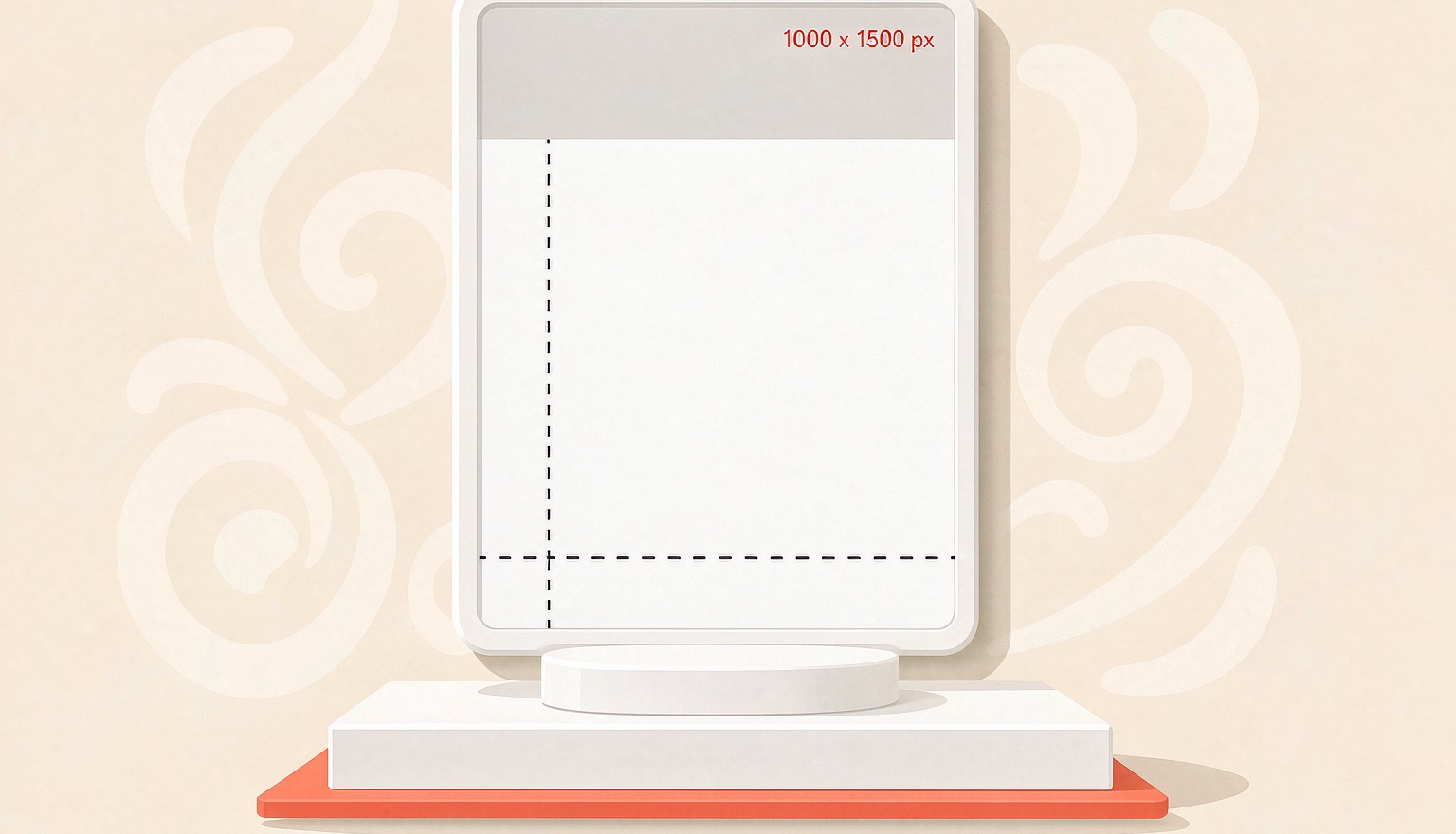
Pinterest Pin Size 2026: 1000×1500 & Cropping
Pinterest recommends 2:3 pins at 1000×1500. Here are the specs that matter in 2026, where tall pins get truncated, and the export settings that keep text sharp.
 PinNiche Team
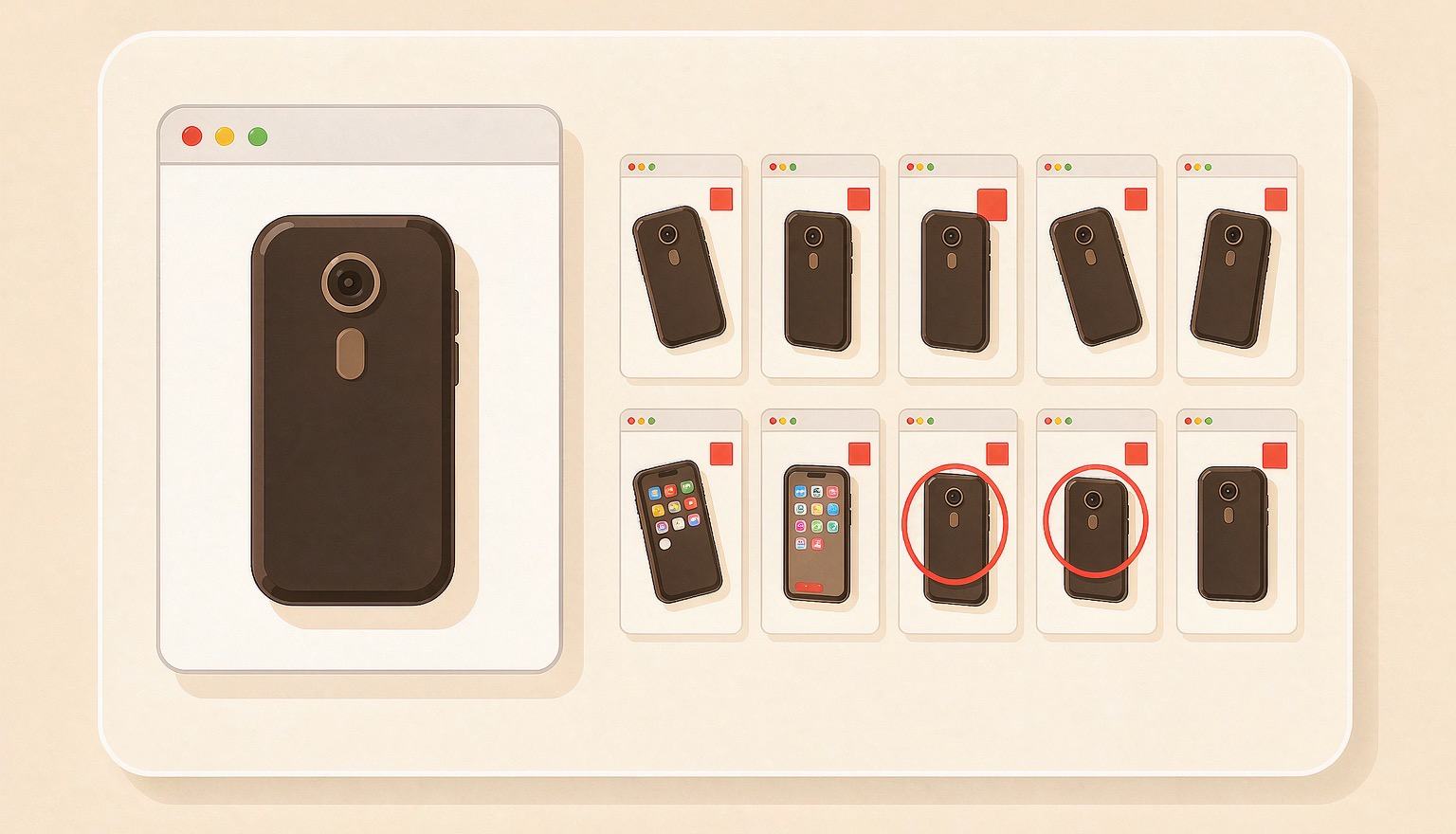
One Product Page, Ten Pinterest Pins: A Workflow
A product page already holds the photo, price, and angle a pin needs. Here is how to turn one URL into ten on-brand Pinterest Pins, then batch a whole catalog.
Ready to ship your first pin pack?
Scan a product or blog URL, put your brand on every pin, and export a ready-to-post pack in one run.
Try PinNiche free