Can Someone See If You View Their Pinterest?
Can someone see if you view their Pinterest? No — browsing is anonymous both ways. Learn which actions do show your name and what analytics actually reveals.
 PinNiche Team4 min read
Short answer: can someone see if you view their Pinterest? No. Pinterest has no viewer list and no view notifications in either direction — nobody is told when you open their profile, and you are never told who opened yours. What the other person can see falls into two neat piles: your public content, and any action that puts your name on it, like following, commenting, saving, or messaging. Silent browsing leaves no trace the platform records, let alone reports. Below: what that means in practice, what the "profile viewer" apps are really doing, and what Pinterest does show instead — which is more useful than a list of names anyway.
Does Pinterest notify when you view someone's profile?
No, and this is a deliberate product decision, not a missing feature. Pinterest is built as a search and discovery engine: people plan kitchens, weddings, and holidays — often private, sometimes sensitive plans. Anonymous browsing is what makes people search freely, and searching freely is the behavior the whole platform runs on. A "who viewed your profile" hook, the kind LinkedIn leans on, would suppress exactly that behavior. So viewing is anonymous in both directions — which is the whole answer to can someone see if you view their Pinterest, on any account type: personal, business, or creator. The person you look at gets nothing, and neither do you when they look back.
The distinction that trips people up is between viewing and acting. A view is silent. An action is not:
- Following someone puts your account in their followers list, and may trigger a notification if their alerts are on.
- Commenting on a pin shows your name attached to it, permanently.
- Saving someone's pin to a public board can be visible on that pin's activity.
- Messaging is, by definition, addressed to them.
If you browsed without doing any of those, there is nothing to see — no list, no log, no notification, no screenshot of your visit inside Pinterest.
What someone can and cannot see about you
The complete map, in one table:
| Visible to others | Not visible to anyone |
|---|---|
| Public pins, boards, and profile | Your search history |
| Your follows and followers lists | Your home feed |
| Comments and saves attached to your account | Secret boards you never invited anyone to |
| Messages you sent | Drafts you have not published |
| Profile info you filled in | Every profile or pin you viewed without acting |
Two nuances are worth knowing. First, secret boards are genuinely private — but a board that was public before you made it secret has already been crawled and possibly saved onward, so flipping it today only stops tomorrow's exposure. Second, a business account changes what you can see about your own audience, not what others see about you. Switching to one does not open a guest book; it opens charts.
What about those "Pinterest profile viewer" apps?
Every app or site promising to reveal your Pinterest visitors fails for the same structural reason: Pinterest never publishes that data. It is not in the public API, not in any export, not visible to any third party. There is no source for the names these tools claim to show. So the tools do one of three things: phish your credentials through a fake "log in with Pinterest" page, display invented visitors pulled from your follower list, or harvest permissions far beyond anything the advertised feature needs.
If you already connected one: change your Pinterest password, turn on two-factor authentication, and revoke the app under Settings → Security → Apps connected to your account.
What you can see about your audience instead
No names — but the aggregate picture is genuinely good, and free with a business account. Pinterest Analytics reports impressions, engagements, saves, outbound clicks, total audience, and engaged audience. One metric answers the question people are really asking when they look for a viewer list: profile visits, defined in per-pin stats as the number of people who visited your profile after viewing that pin (Source: pinpinterest, nofollow). It is a count, not a door log — but read next to follows and outbound clicks, it tells you which pins make people curious enough to check who you are, and whether your profile converts that curiosity into followers.
That is the useful version of the question. "Who looked at me" is unanswerable and mostly idle curiosity; "which pins pull people to my profile" is answerable every day in your impressions data. Watch the reach curve, not the phantom visitor list — the same logic that makes follower growth trail impressions by a few weeks applies to profile visits too.
How to browse Pinterest without leaving a trace
If you are researching a competitor and want zero risk of naming yourself, the answer to can someone see if you view their Pinterest is already a no — just do not touch the buttons:
- Decide the goal is looking, not interacting, before you open the profile.
- Do not follow, comment, save to a public board, or message — each is an introduction with your name on it.
- If you need their idea later, note it outside Pinterest or use a secret board.
- Incognito mode changes nothing about notifications — there was never going to be one. It only keeps the visit off your own device history.
Mis-tapped follow? Unfollow promptly. It stops the relationship, though it cannot rewind a notification that already fired.
The bottom line
Can someone see if you view their Pinterest? No — and they never will, because the feature does not exist on either side of the fence. Spend the curiosity somewhere it pays: make pins that answer searches, track the aggregate numbers that predict growth, and treat a quiet visit for what it is — the default state of every Pinterest session. The first item on that list is the one worth real time, and it is what PinNiche exists for: a product URL in, pins built around the queries people actually type.
You May Also Like
- Pinterest Impressions Explained
- How Do You Get Followers on Pinterest: What Works (2026)
- How to Add Keywords to Pinterest: 5 Places That Count
Frequently asked questions
Does Pinterest notify when you view a profile?
No. Opening a profile, a board, or a pin does not generate any notification, in either direction. Pinterest has never shipped a profile-viewer list or a view alert; the only signals another person receives are actions — a follow, a comment, a save they are notified about, or a message.
Can you see who viewed your Pinterest profile?
No. There is no list of profile visitors anywhere in the app, on the website, or in Pinterest Analytics. Business accounts get aggregate numbers — impressions, profile visits, audience totals — but none of them come with names. The people you can identify are the ones who acted: followers, commenters, and people whose saves surface in notifications.
Do Pinterest profile viewer apps work?
No, and they are worth avoiding. Pinterest never publishes visitor identities, so no app has a legitimate source for the names it claims to show. The ones in app stores typically phish credentials, invent results from your follower list, or harvest permissions. If you connected one, change your password, turn on two-factor authentication, and revoke it under Settings → Security.
What can someone actually see about you on Pinterest?
Your public pins, boards, and profile are visible to anyone. Actions attach your name: following someone, commenting, saving, and messaging. What stays private: your search history, your home feed, secret boards only you are invited to, and every profile you browse without interacting.
Does the monthly views number on a Pinterest profile count visitors?
No. The monthly views figure shown on a profile counts impressions — how many times your pins were shown across Pinterest — not how many people opened the profile. Profile visits appear as a separate count inside per-pin stats, and that count still has no names attached.
Keep reading
Related guides
 PinNiche Team
Get Followers on Pinterest: What Works (2026)
How do you get followers on Pinterest? Set up a profile worth following, rank pins for searches, keep a weekly cadence, and track the metrics that matter.
 PinNiche Team
Affiliate Marketing on Pinterest: Rules & Payouts
Affiliate marketing for Pinterest works when you treat it as search. Program rules, FTC disclosure, pin angles, and the mistakes that get accounts limited.
 PinNiche Team
Pinterest Impressions Explained: What to Do
Pinterest impressions measure how often your Pins were on screen. See what counts, where to check them, why high views can mean low clicks, and what to fix.
 PinNiche Team
Best Time to Post on Pinterest: 5 Studies Say
When is the best time to post on Pinterest? Five 2025-2026 studies compared: evening windows, best days, the dead zone to skip, and why keywords beat the clock.
 PinNiche Team
Add Keywords to Pinterest: 5 Places That Count
Where to add keywords to Pinterest — pin titles, descriptions, board names, board descriptions and profile — plus how to test if the phrase you chose works.
 PinNiche Team
Free Pinterest Keyword Tools 2026: 8 Tested
Pinterest Trends, search bar, Ads Manager and five third-party tools give you real keyword data for free. What each does well, where they stop, and a workflow.
 PinNiche Team
Pin Inspector Review 2026: Pricing & Verdict
Pin Inspector costs $67 once, or $47 with its on-page coupon. We break down its seven modules, what a documented hands-on test found, and where it falls short.
 PinNiche Team
How to Make Money on Pinterest: 6 Real Routes
Pinterest does not pay per view. These six routes do: affiliate pins, digital products, services, brand deals and blog traffic, with the costs and the math.
 PinNiche Team
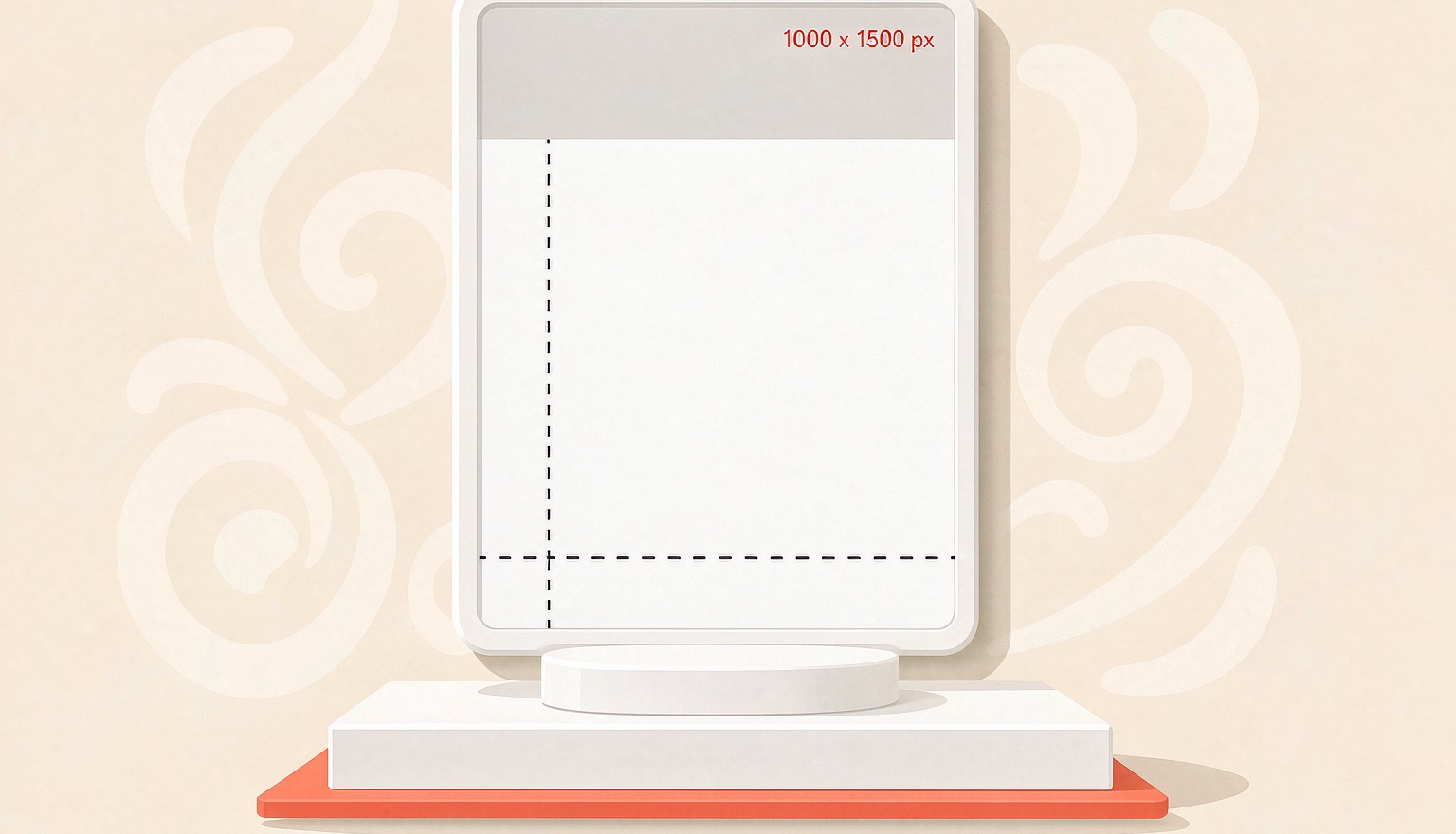
Pinterest Pin Size 2026: 1000×1500 & Cropping
Pinterest recommends 2:3 pins at 1000×1500. Here are the specs that matter in 2026, where tall pins get truncated, and the export settings that keep text sharp.
 PinNiche Team
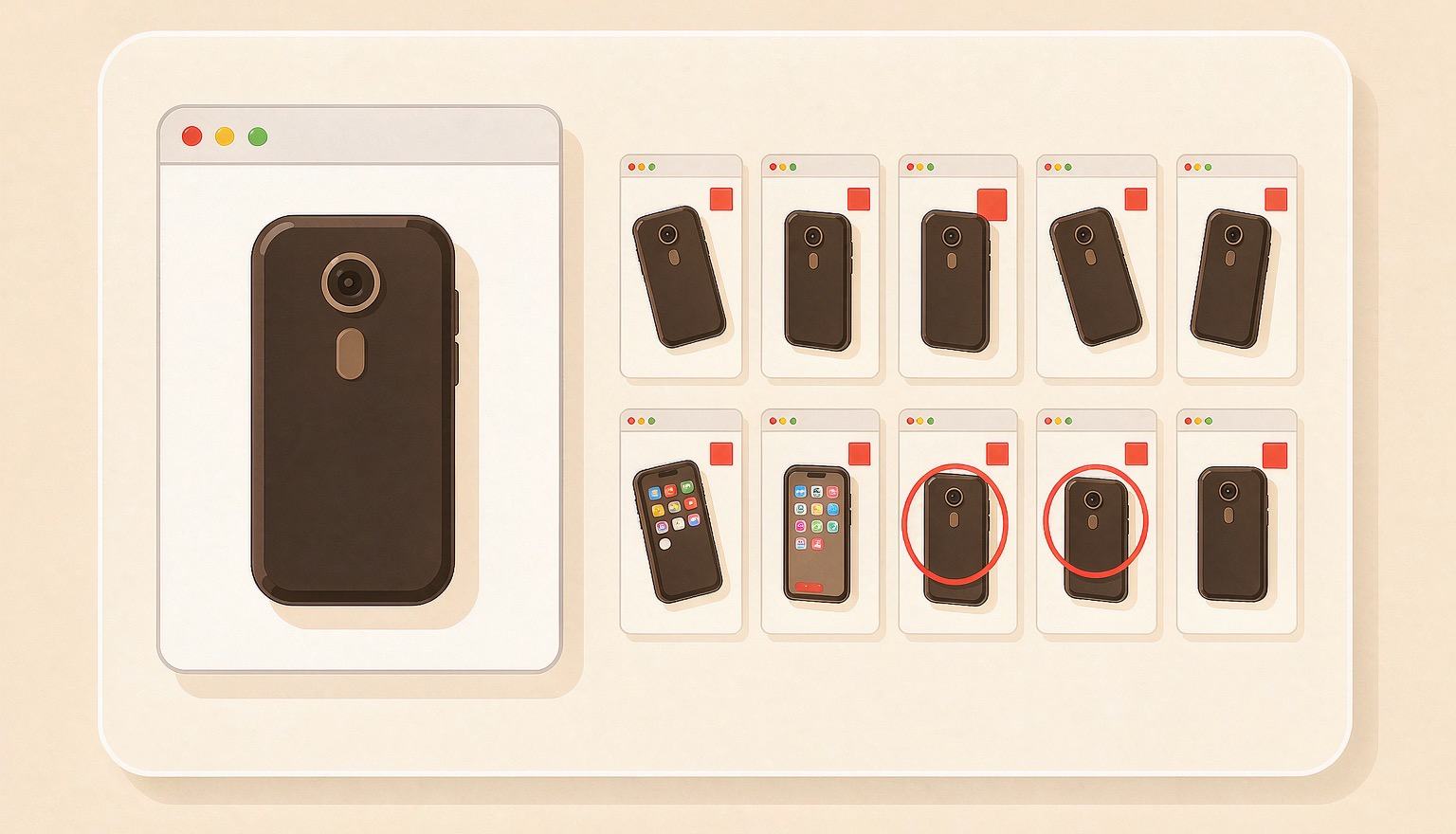
One Product Page, Ten Pinterest Pins: A Workflow
A product page already holds the photo, price, and angle a pin needs. Here is how to turn one URL into ten on-brand Pinterest Pins, then batch a whole catalog.
Ready to ship your first pin pack?
Scan a product or blog URL, put your brand on every pin, and export a ready-to-post pack in one run.
Try PinNiche free