Pinterest Marketing Tools: A Stack That Pays Back
Pinterest marketing tools only matter by job: research, design, scheduling, measurement. The smallest stack for each, with prices checked in November 2026.
 PinNiche Team7 min read
Most "best Pinterest marketing tools" pages are nine subscriptions and no decision. The useful question is narrower: a Pinterest account has four jobs, so what is the cheapest tool that does each one properly? The four are finding what people actually search, making pins worth saving, publishing them on a schedule, and reading the numbers afterwards. Cover all four and you have a stack. Skip one and the other three leak.
Everything below is organised by that job, with prices taken from vendor pricing pages in November 2026. We have not bought and run every tool here; where a claim rests on a vendor page or a documented third-party test, we say which.
The four jobs a Pinterest marketing stack has to cover
| Job | Free option | Paid upgrade | Price checked Nov 2026 |
|---|---|---|---|
| Research | Pinterest Trends, free keyword tools | Pin Inspector (desktop) | $67 list, $47 with the on-page coupon |
| Design | Canva free tier | Canva paid tier, template libraries | varies by plan |
| Scheduling | Native scheduler in a business account | Buffer, Later, Tailwind | Buffer $5/channel/mo, Later $18.75/mo billed yearly |
| Measurement | Pinterest Analytics, GA4 | reporting suites | rarely worth it at small scale |
The pattern is not accidental. Pinterest gives away the parts that keep you on the platform — demand data, publishing, analytics — and charges nothing for them because they make the platform more useful. What it does not give away is depth: which competitor pin earns the saves, whether your board structure matches how people search, what a pin was worth in revenue. That is what the paid layer sells, and it is worth paying for only when the free layer stops answering your questions.
Research: Pinterest Trends first, paid data second
Start where the demand is visible. Pinterest Trends is free, official, and shows how a keyword's interest rises and falls across the year, which is the difference between publishing autumn content in August and publishing it in October when the searches have already peaked. Before you pay for anything, run your five most important topics through it and write down when each one climbs. That calendar is the single most valuable free asset in Pinterest marketing.
The free keyword tools come next — five of them compared here — and they are enough to find long-tail phrases and check whether a term is worth a board. What they cannot do is tell you what is already working for someone else: which of a competitor's pins earns saves, which keywords their boards rank for, how a pin's performance changed after they re-uploaded it.
That gap is where a paid research tool earns its place, and if you only buy one thing, buy it here. Pin Inspector is the option we reviewed in full: $67 one-time, or $47 with the coupon shown on its own page, desktop-only, no subscription. One payment for keyword, pin, board and pinner data is a different shape of purchase from a monthly seat, which is exactly why it suits people who intend to do research in bursts rather than every week.
When research stops being free: you are choosing keywords by intuition, or you cannot explain why one pin outperforms nine others in the same board. That is the moment data pays for itself; before that, Trends plus the free tools are not the bottleneck.
Design: templates beat one-off pins
Design is the layer where money is most often wasted, because the constraint is not software. It is that Pinterest rewards a fresh image every time, and a designer's hourly rate makes fresh images expensive.
Two things solve it. A template set — five master layouts per content type, resized to 1000×1500 — turns pin production into a fill-in-the-blanks job. Canva's free tier handles this; its paid tier adds brand kits and background removal, which matter once more than one person touches the account. And for text-overlay pins where the design is a headline plus a photograph, a single-purpose generator is faster than a design canvas: our free Pinterest graphic maker exists for exactly that case, no account needed.
What to ignore in this layer: tools that promise "viral pin templates". A template is a layout; whether the pin gets saved depends on whether the headline answers a search. Design tools do not fix positioning, and no subscription does.
Scheduling: the one layer worth paying for early
A free Pinterest business account already schedules pins. For one account publishing a few pins a day, that is sufficient — the native scheduler is not the weak link, and paying to replace it is the most common wasted subscription in the whole Pinterest marketing tools category.
The weak link appears with volume. Ten pins a day across six boards, or two client accounts, and manual publishing quietly becomes an hour of your evening. That is when a scheduler earns its money, and the entry prices are lower than most lists suggest. Buffer's free plan connects three channels with ten queued posts per channel; its Essentials plan is $5 per channel per month, which makes it the cheapest paid step in the stack. Later starts at $18.75 per month billed yearly after a 14-day trial and adds a visual calendar that suits seasonal planning. Tailwind is the Pinterest-only option, selling scheduling and keyword research as separate products with a credit allowance each — sensible if Pinterest is your entire channel, redundant if you also publish elsewhere. If you only need to test whether a fixed posting rhythm helps at all, our free Pinterest scheduler covers the basics before you commit to a subscription.
When scheduling stops being free: publishing takes longer than writing the pin's copy, or you miss days because you were busy. Cadence is the one variable every Pinterest guide agrees on, and a scheduler is the cheapest way to protect it.
Measurement: the two dashboards you already have
Pinterest Analytics and Google Analytics 4 are both free, and together they answer more than most paid Pinterest marketing tools. Pinterest Analytics tells you what happened on the platform: impressions, saves, outbound clicks, engaged audience. GA4 tells you what happened after the click.
The trap is reading the first number alone. Impressions measure how often a pin was on screen — not how many people wanted it — so a pin with 40,000 impressions and nine outbound clicks is a distribution win and a relevance failure at the same time. Judge pins on the ratio between the two, and judge the account on outbound clicks and follows, because those are the numbers that turn into traffic and audience.
When measurement stops being free: you need revenue per pin, or you are running paid campaigns and need attribution across channels. That is a reporting problem, not a Pinterest-tool problem, and GA4 events usually solve it before any subscription will.
A stack that costs nothing
If you are starting today, this is a complete working stack, and none of it requires a card:
- Demand: Pinterest Trends, five topics, one year of seasonality written into a calendar.
- Keywords: a free keyword tool plus the five places Pinterest reads keywords — board titles, board descriptions, pin titles, pin descriptions, and your profile.
- Design: five Canva templates at 1000×1500, reused with new headlines.
- Publishing: the native scheduler, three to five pins a day, two weeks queued in advance.
- Measurement: a weekly look at saves-to-impressions and outbound clicks, nothing more.
Run that for thirty days before buying anything. The data you collect tells you which job is actually broken, and buying in that order is the difference between a tool stack and a subscription pile.
Four upgrade triggers, and what each one buys
| Trigger | What it looks like | What to buy |
|---|---|---|
| You cannot explain performance | Same board, same style, wildly different saves | A one-time research tool |
| Publishing eats your evenings | 3+ pins a day, or several accounts | A scheduler at $5–20/month |
| Design blocks cadence | You skip days because nothing is designed | Paid templates or a batch generator |
| You cannot see revenue | Clicks arrive, sales are unattributable | GA4 events first, tools later |
Notice what is missing from that table: no trigger buys "growth". Tools remove friction; they do not create demand. An account publishing keyword-targeted pins with mediocre templates will beat one with a perfect stack and no positioning, every time.
What Pinterest marketing tools lists leave out
Three things, and they are the reason this page is organised by job instead of ranked by tool.
Paid placement. Some listicles sell the top slot outright — one page in this SERP states "Permanent #1 placement in this list" as a product feature. Others rank by affiliate commission, which rewards recurring subscriptions over one-time purchases regardless of fit. Neither is necessarily wrong, but a list where the order is for sale is not a recommendation.
Prices that expired. "Starts at $12" survives years after a repricing. Every number above was read from the vendor's own pricing page in November 2026, and prices in this category move — check before you buy, not after.
Testimonials without tests. "I use this weekly" is unverifiable, and in a category where most tools overlap heavily, the honest statement is usually "I use one of these and have not tried the rest". We have reviewed Pin Inspector in depth and run this site on our own pin generator; for Buffer, Later and Tailwind the facts above come from their published plans, not from months of use.
The bottom line
The best Pinterest marketing tools are the ones matched to a job you actually have, which usually means one research tool, one design system, one scheduler, and the two free dashboards. Buy in that order, one at a time, and only after the free version of that job has visibly stopped working. If the job that hurts is producing pins at all, that is the one PinNiche is built for — a product URL in, pins built around the searches people type — and it is the only tool on this page we make ourselves.
You May Also Like
- Pin Inspector Review 2026: Pricing & Verdict
- Free Pinterest Keyword Tools 2026: 8 Tested
- Add Keywords to Pinterest: 5 Places That Count
- Pinterest Impressions Explained: What to Do
Frequently asked questions
What are the best free Pinterest marketing tools?
Pinterest Trends, Pinterest Analytics, the scheduler built into a free business account, Canva on its free tier, and Google Analytics 4 cost nothing and cover research, measurement, publishing and design. That combination is enough to run a single account at three to five pins a day; paid tools buy depth and time, not access.
Do I need a paid scheduler to grow on Pinterest?
Not until volume makes manual publishing a chore. A free business account schedules pins ahead, and Buffer publishes ten queued posts per channel on its free plan. The breakpoint is usually three or more pins a day, or more than one account, which is when a scheduler saves enough time to justify its price.
Is Tailwind still worth paying for in 2026?
It depends on whether you want Pinterest-only tooling. Tailwind sells scheduling and keyword research as separate products with a credit allowance, which suits people who live entirely on Pinterest. If you also publish to Instagram or TikTok, a multi-platform scheduler usually costs less per channel than stacking two Pinterest specialists.
How much does a Pinterest marketing tool stack cost?
A functioning stack can cost nothing at all: Pinterest Trends for demand, the native scheduler, Canva free, and the two analytics dashboards. The first paid upgrade worth considering is usually scheduling or a one-time research tool, and both can stay under the price of a single monthly design subscription.
Are Pinterest marketing tools worth paying for at all?
They are worth it when one specific job is visibly failing: you cannot tell which keywords drive saves, publishing eats hours, or pin design blocks your cadence. Buy the tool for that job only. Paying for four tools at once usually means paying for three you have not learned to use yet.
Keep reading
Related guides
 PinNiche Team
Can Someone See If You View Their Pinterest?
Can someone see if you view their Pinterest? No — browsing is anonymous both ways. Learn which actions do show your name and what analytics actually reveals.
 PinNiche Team
Get Followers on Pinterest: What Works (2026)
How do you get followers on Pinterest? Set up a profile worth following, rank pins for searches, keep a weekly cadence, and track the metrics that matter.
 PinNiche Team
Affiliate Marketing on Pinterest: Rules & Payouts
Affiliate marketing for Pinterest works when you treat it as search. Program rules, FTC disclosure, pin angles, and the mistakes that get accounts limited.
 PinNiche Team
Pinterest Impressions Explained: What to Do
Pinterest impressions measure how often your Pins were on screen. See what counts, where to check them, why high views can mean low clicks, and what to fix.
 PinNiche Team
Best Time to Post on Pinterest: 5 Studies Say
When is the best time to post on Pinterest? Five 2025-2026 studies compared: evening windows, best days, the dead zone to skip, and why keywords beat the clock.
 PinNiche Team
Add Keywords to Pinterest: 5 Places That Count
Where to add keywords to Pinterest — pin titles, descriptions, board names, board descriptions and profile — plus how to test if the phrase you chose works.
 PinNiche Team
Free Pinterest Keyword Tools 2026: 8 Tested
Pinterest Trends, search bar, Ads Manager and five third-party tools give you real keyword data for free. What each does well, where they stop, and a workflow.
 PinNiche Team
Pin Inspector Review 2026: Pricing & Verdict
Pin Inspector costs $67 once, or $47 with its on-page coupon. We break down its seven modules, what a documented hands-on test found, and where it falls short.
 PinNiche Team
How to Make Money on Pinterest: 6 Real Routes
Pinterest does not pay per view. These six routes do: affiliate pins, digital products, services, brand deals and blog traffic, with the costs and the math.
 PinNiche Team
Pinterest Pin Size 2026: 1000×1500 & Cropping
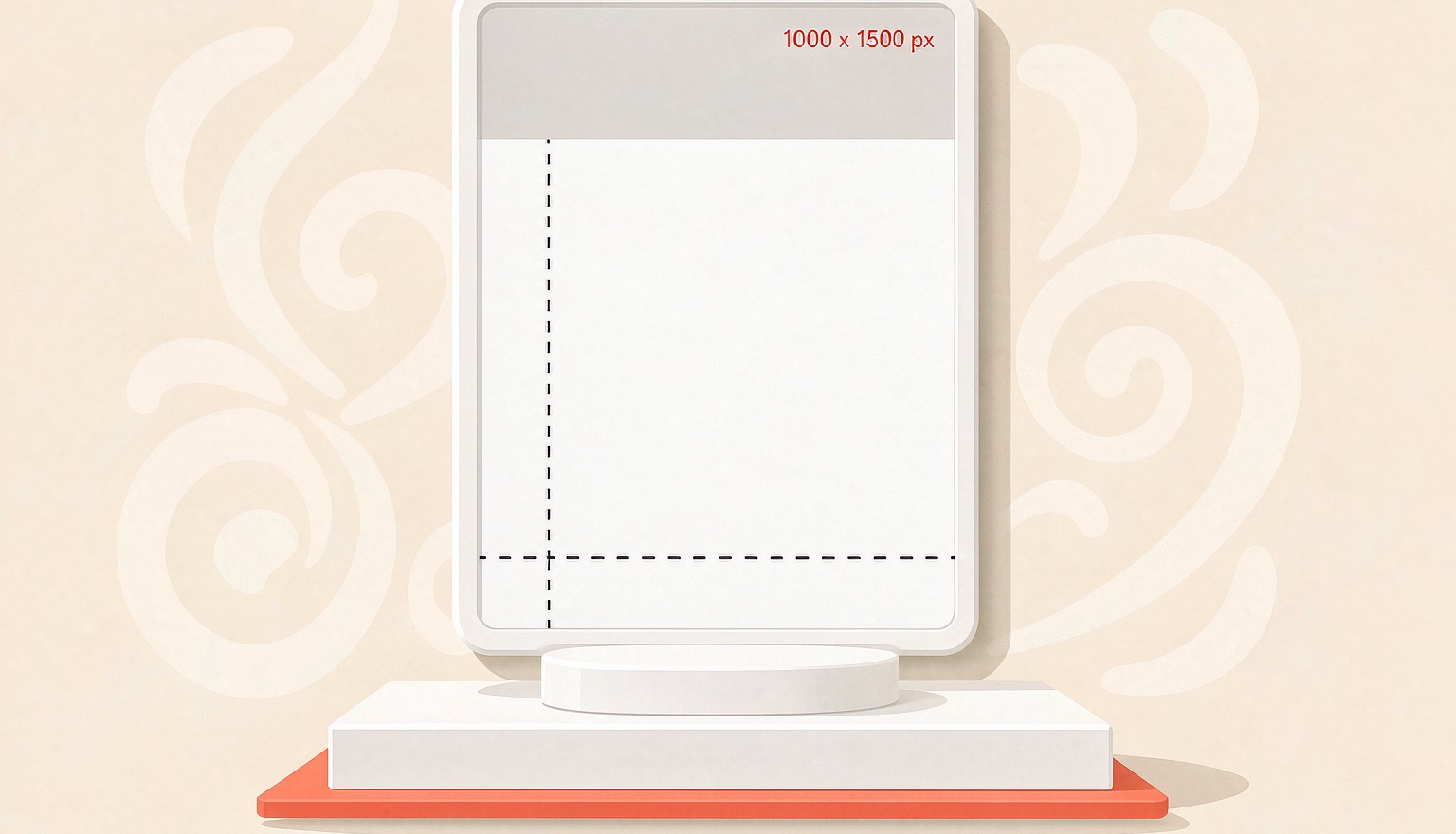
Pinterest recommends 2:3 pins at 1000×1500. Here are the specs that matter in 2026, where tall pins get truncated, and the export settings that keep text sharp.
 PinNiche Team
One Product Page, Ten Pinterest Pins: A Workflow
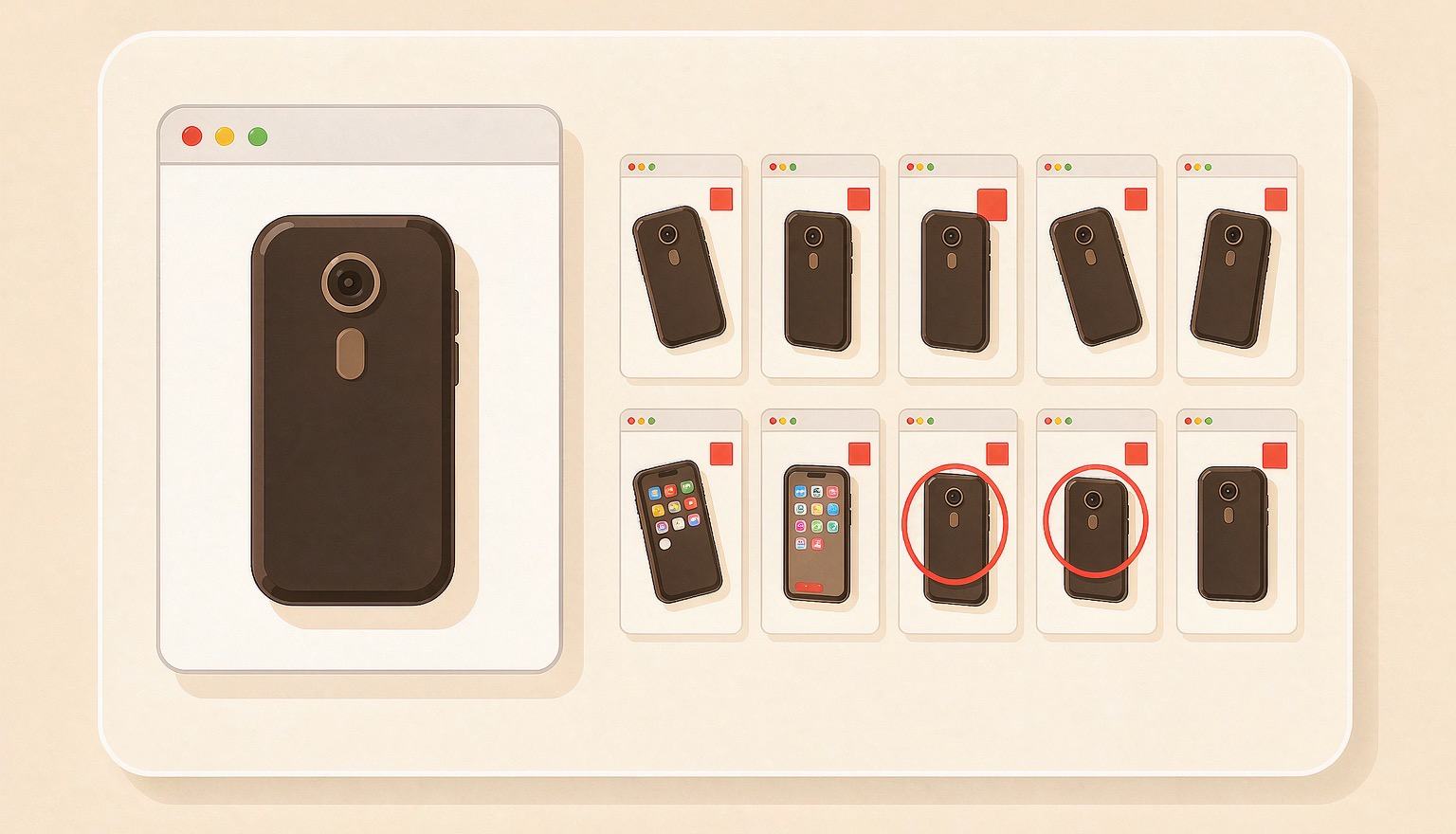
A product page already holds the photo, price, and angle a pin needs. Here is how to turn one URL into ten on-brand Pinterest Pins, then batch a whole catalog.
Ready to ship your first pin pack?
Scan a product or blog URL, put your brand on every pin, and export a ready-to-post pack in one run.
Try PinNiche free